
Global Metadata Search
Metaforce provides a powerful system-wide spotlight search plugin accessible from your macOS MenuBar or Windows Taskbar, enabling you to search and jump directly into any Salesforce metadata component, setup menu, or record from anywhere on your computer.
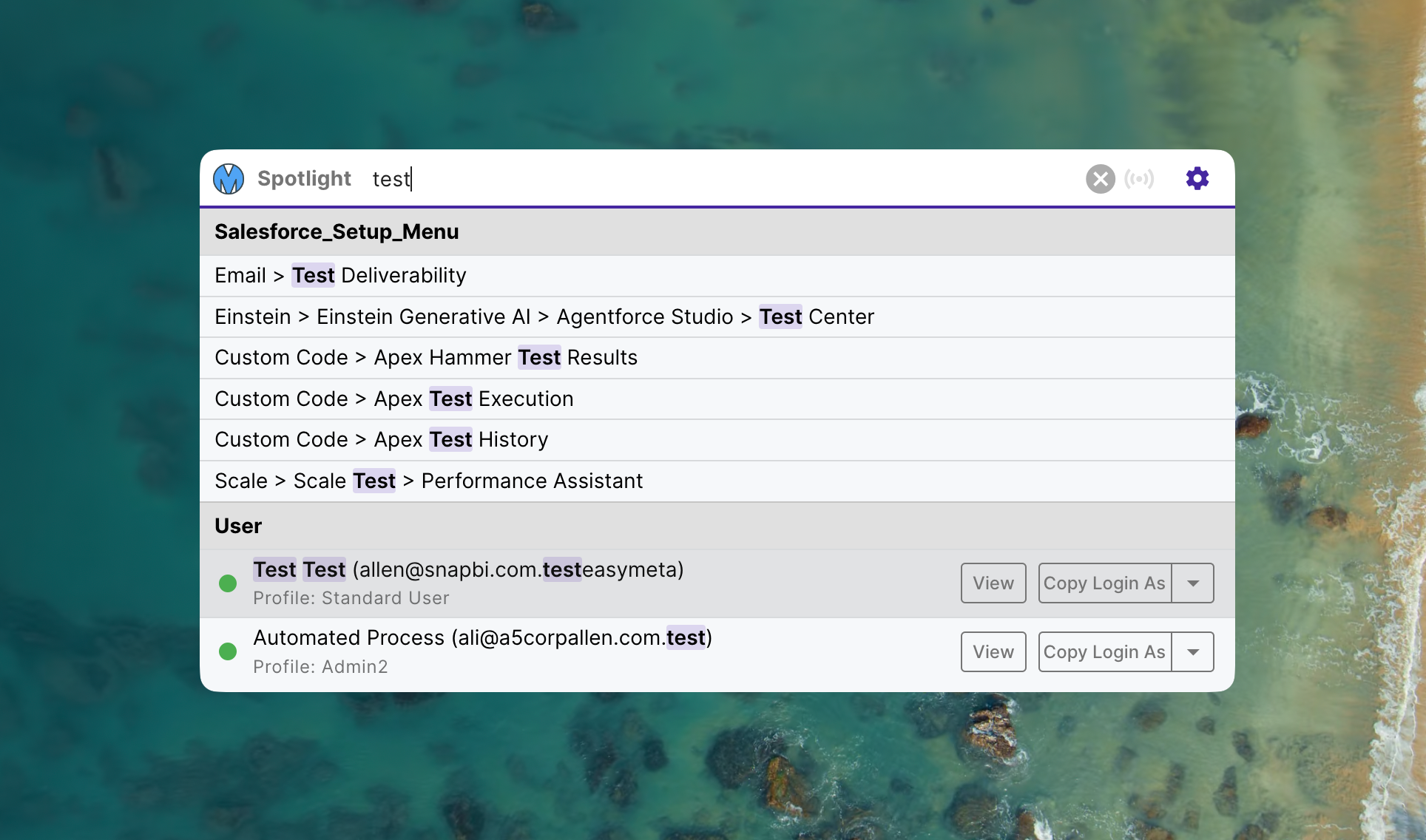
Instant Spotlight Access
Quickly locate Salesforce setup items, apex classes, custom objects, flows, users, and fields across any connected organization:
- Global Shortcut: Press Cmd + J (macOS) or Ctrl + J (Windows) from any application to summon the search window immediately.
- Smart Org Context Switching:
- The search context automatically synchronizes with the organization you were most recently working on in Metaforce.
- Type
@in the search box to filter and quickly switch between connected Salesforce environments on the fly.
- Direct Browser Navigation: Hit Enter on any search result to open that specific metadata component or setup page directly in your browser with session authentication.
- Customizable Keybindings: Adjust the global activation shortcut in Metaforce Settings to match your personal workflow.