Logs & Jobs Monitor
Metaforce Logs & Jobs Monitor brings all runtime diagnostics, asynchronous processing queues, and real-time event streams into a unified operational console. Monitor background apex jobs, trace debug logs, supervise Bulk API data loads, and subscribe to event buses in real time.
Bulk API Jobs (v1 & v2)
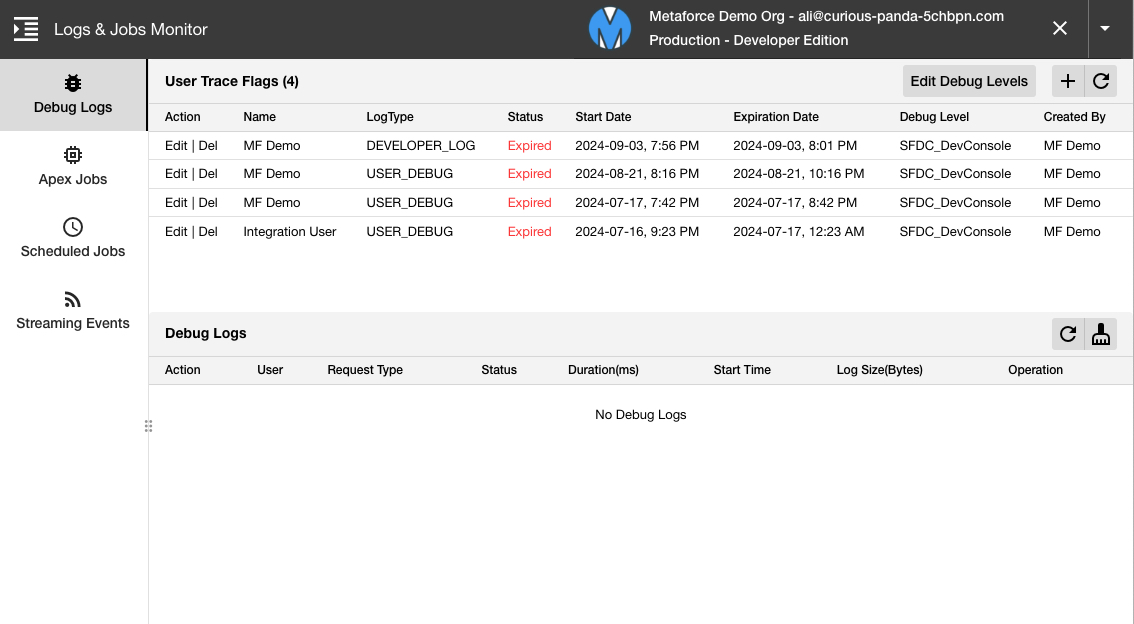
Supervise and troubleshoot high-volume data ingest and query jobs powered by Salesforce Bulk API.
Dual-Version Support (Bulk API v1 & v2)
Metaforce automatically differentiates and handles both Bulk API v1 (Classic Ingest, BigObjectIngest) and Bulk API v2 (V2Ingest, V2Query) jobs through their respective Salesforce endpoints.
Key Features
- Comprehensive Job Metrics: View job state, records processed, records failed, job type, creation timestamp, and total execution time.
- One-Click Result Downloads:
- Successful Results: Export all successfully imported or queried records as a clean CSV.
- Failed Results: Download failed records with their exact Salesforce error codes and error messages.
- Unprocessed Records: Export remaining records that were not processed due to job abort or system errors.
- Intelligent Bulk v1 Request Join: In Bulk API v1, Salesforce only returns
Id, Success, Created, Errorwithout original row data. Metaforce automatically retrieves the original batch payload and performs a sequential join, giving you fully restored CSV files with original record data and error diagnostics side-by-side. - Job Control: Abort running jobs or close pending jobs directly from the console.
Debug Logs
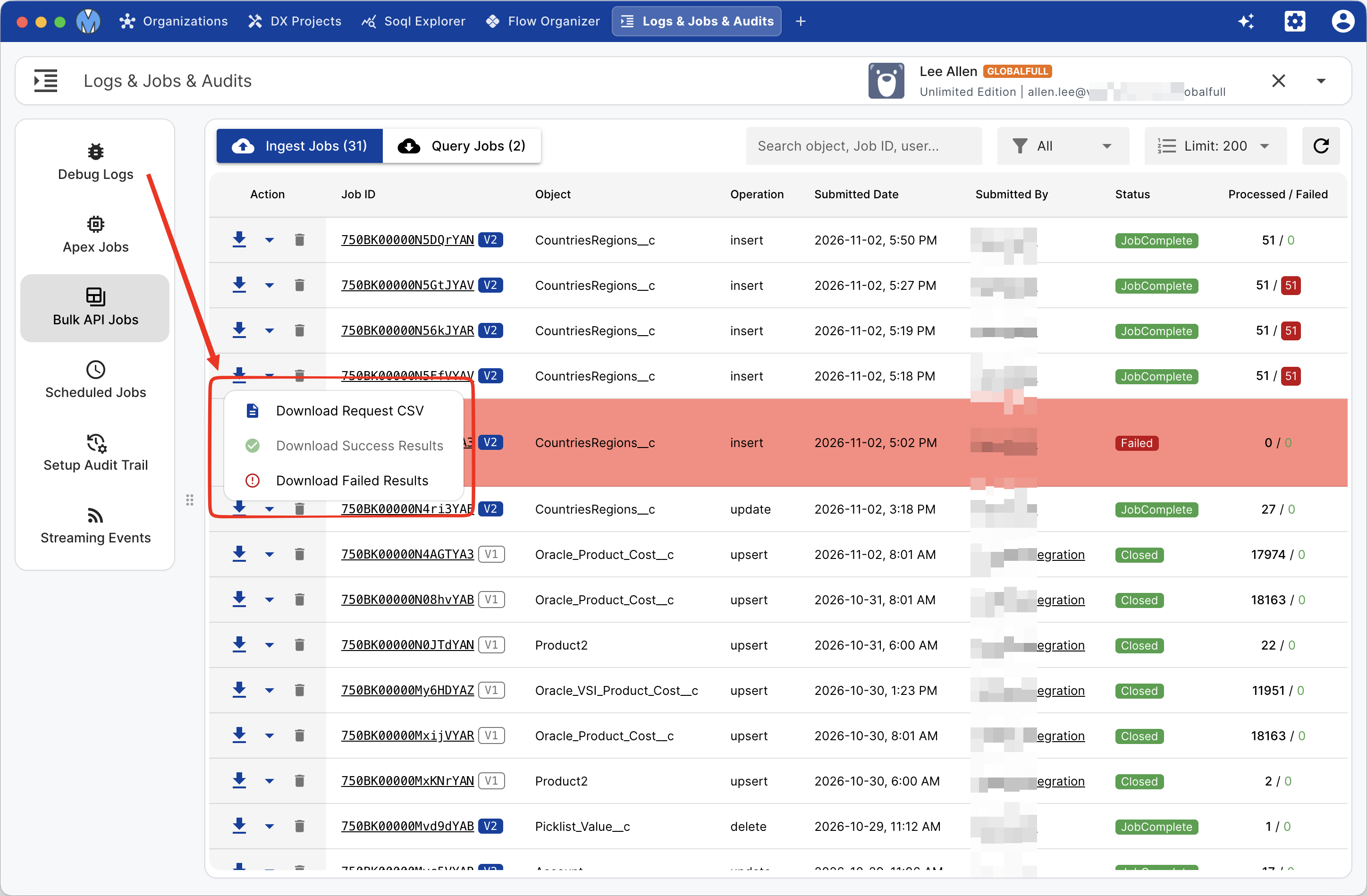
Manage Salesforce trace flags and inspect execution logs without navigating through Salesforce Setup.
- Set User Trace Flags: Quickly configure trace flags for target users, automated processes, or platform integration users.
- Custom Debug Levels: Adjust database, apex code, profiling, workflow, and callout log filters to
FINEST,DEBUG, orINFO. - Live Log Refresh: Fetch new logs in real-time as users perform actions in Salesforce.
- 1-Click Log Cleanup: Bulk delete accumulated debug logs to keep your storage clean.
Apex Jobs
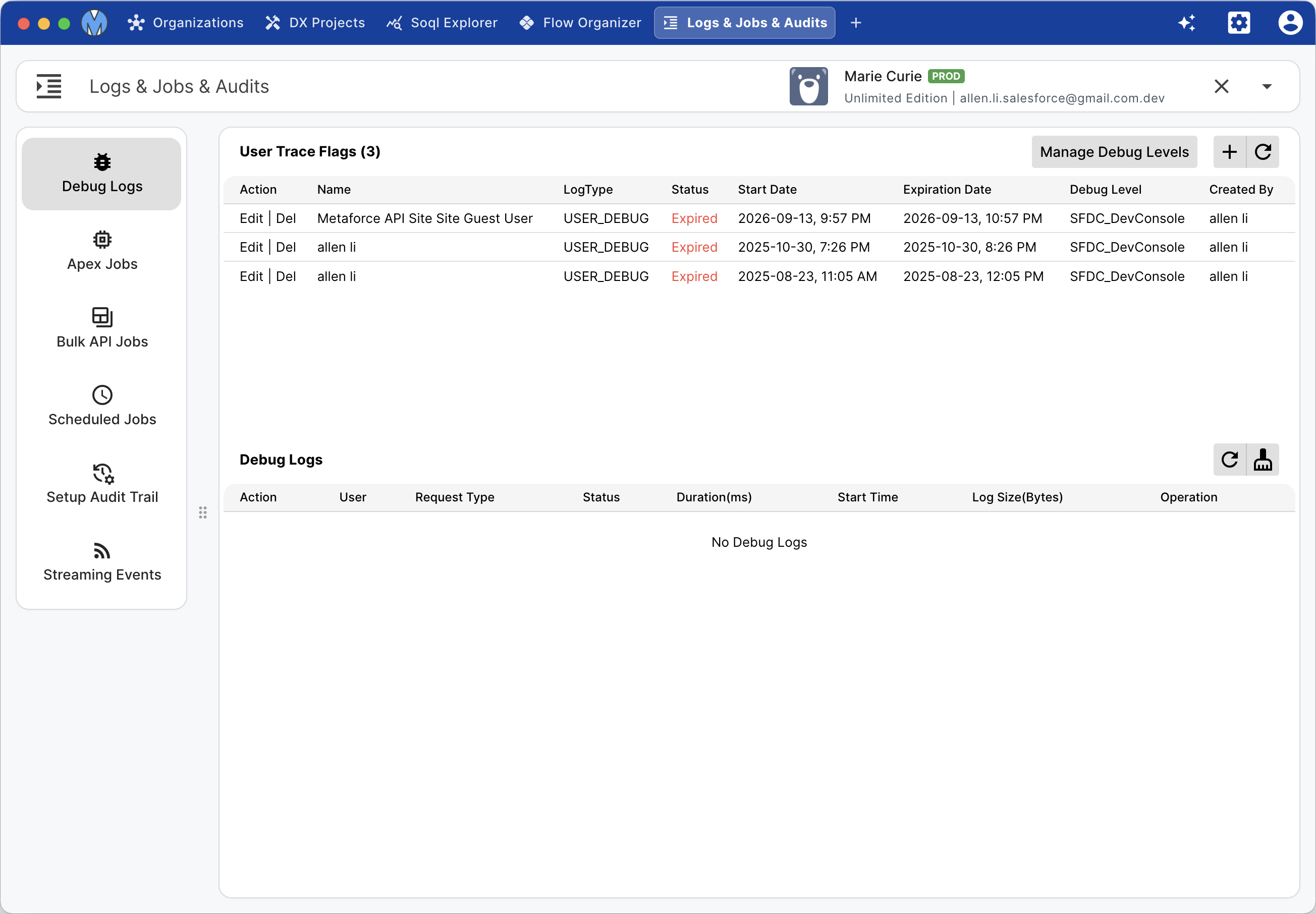
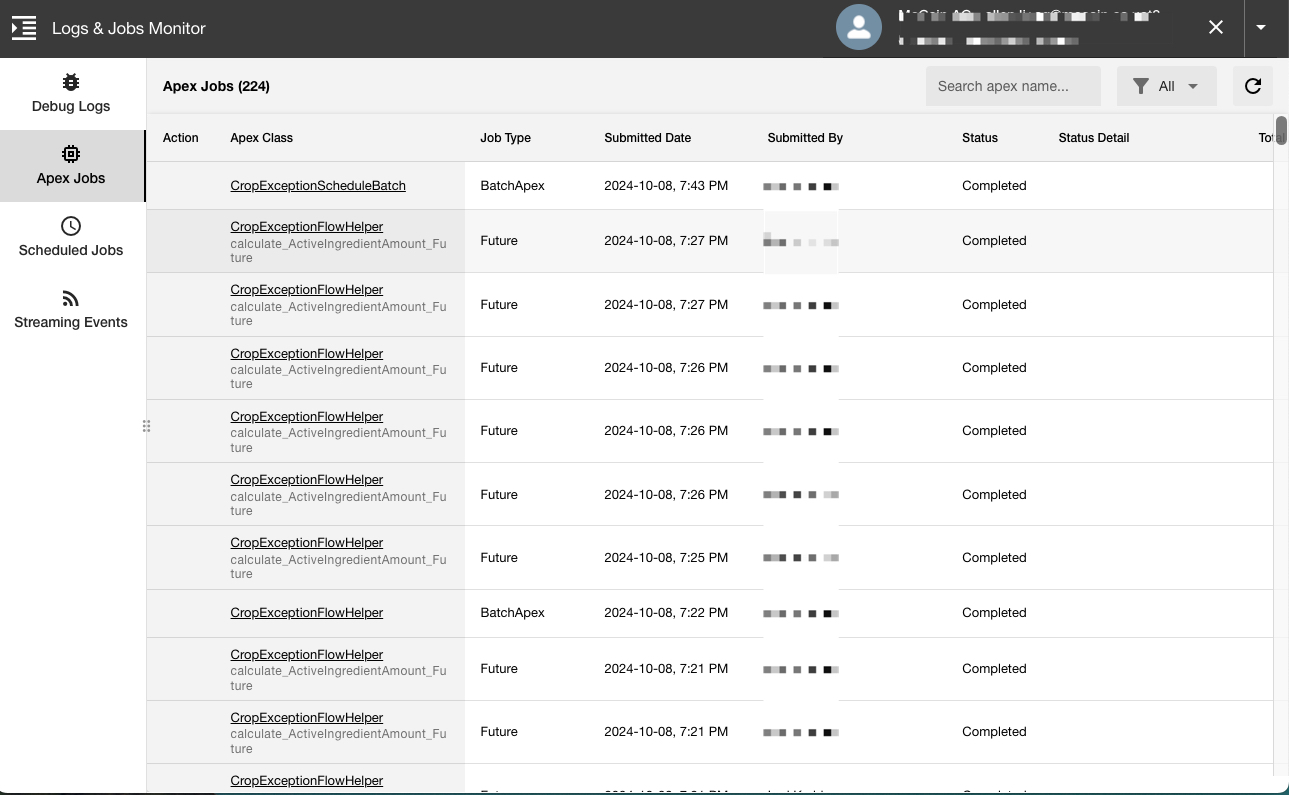
Track asynchronous Apex execution across your entire organization in a single view:
- Batch Apex: Real-time batch progress (batches completed vs total batches), failure count, and apex class name.
- Future Methods: Monitor execution status and duration of
@futureasynchronous calls. - Queueable Apex: Supervise chained and standalone Queueable jobs.
- Scheduled Apex: Check next fire times and execution history.
Scheduled Jobs
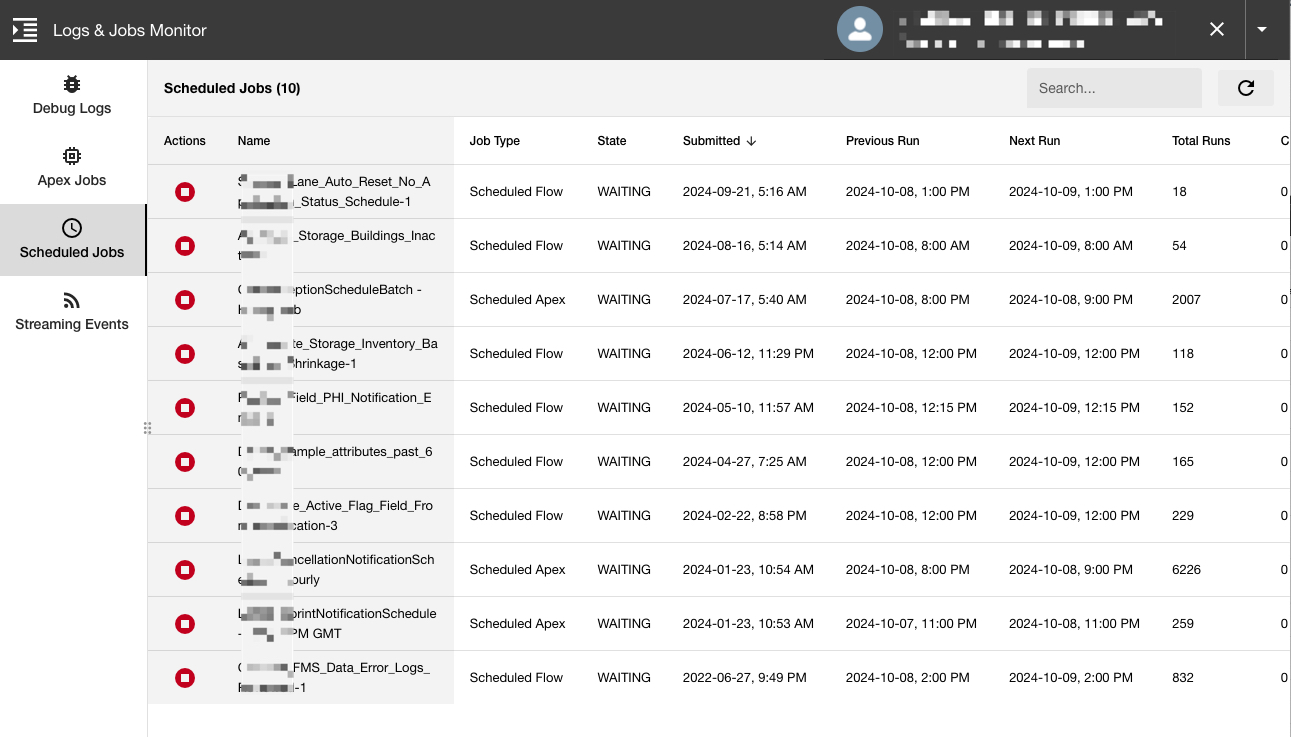
View and manage all cron-triggered jobs in your Salesforce organization:
- Scheduled Apex classes
- Scheduled Flows
- Automated Data Exports
- Dashboard & Reporting Snapshot refreshes
- Analytic report runs
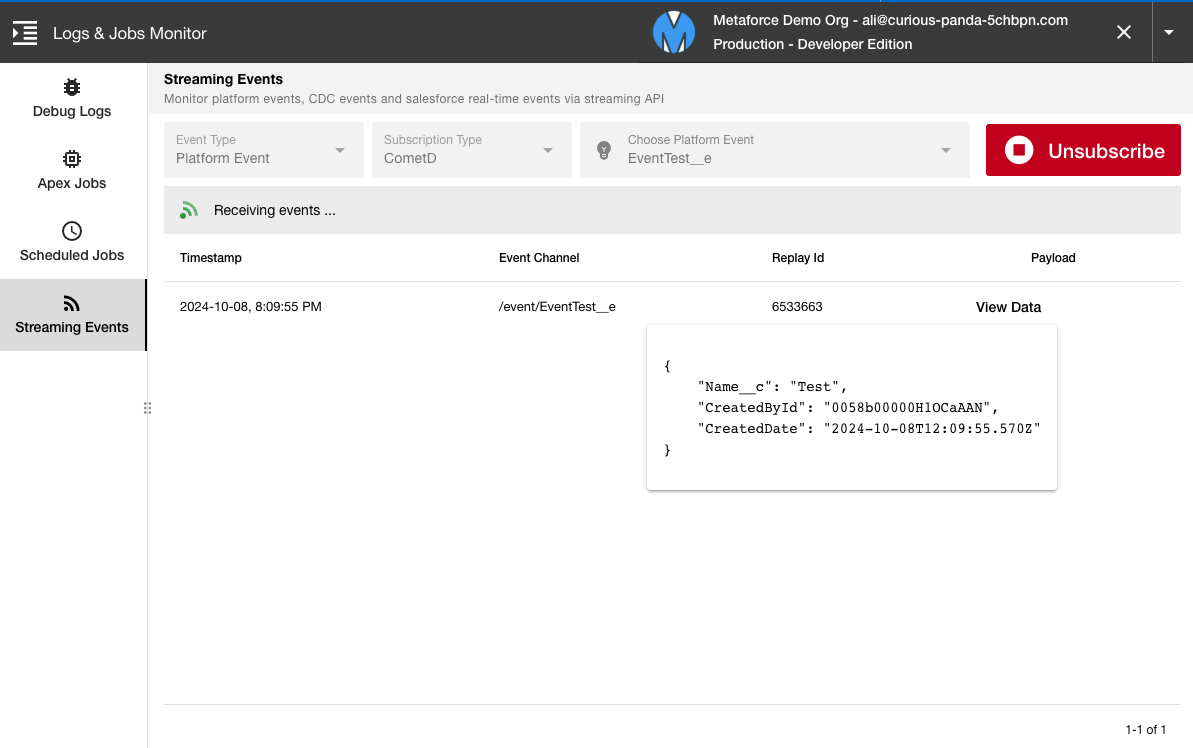
Real-Time Streaming Events & CDC
Inspect and test event-driven architectures by subscribing directly to Salesforce event buses via CometD:
- Select your target Platform Event (
*__e) or Change Data Capture entity (AccountChangeEvent, etc.). - Click Subscribe to establish an active streaming session.
- Incoming events appear in real-time with their complete JSON payloads and schema headers.