Data Operations
Export records via bulk api 2.0
Compared with dataloader or other tools, Metaforce provides a better experience to start a bulk export job in a super easy way.
Open metaforce and follow steps to export your data now!
Name your export operation and choose the org connection
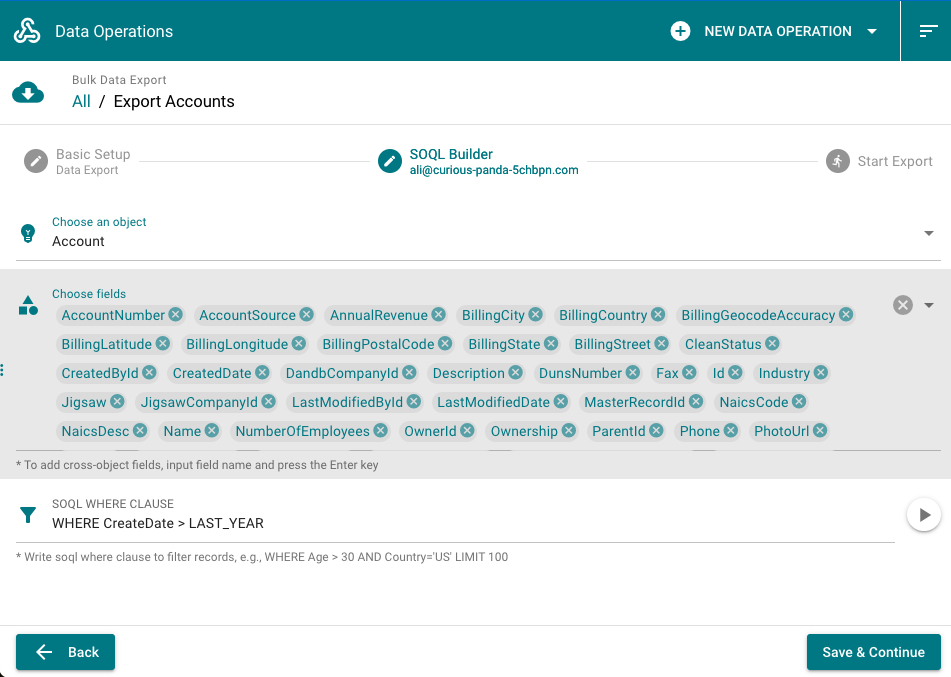
Choose object & fields, and set soql where clause to filter records.
TIP
- For soql where clause, it must starts with the "where" keyword. For example,
WHERE CreatedDate > Last_Year ORDER BY LastModifiedDate DESC LIMIT 1000.
- For soql where clause, it must starts with the "where" keyword. For example,
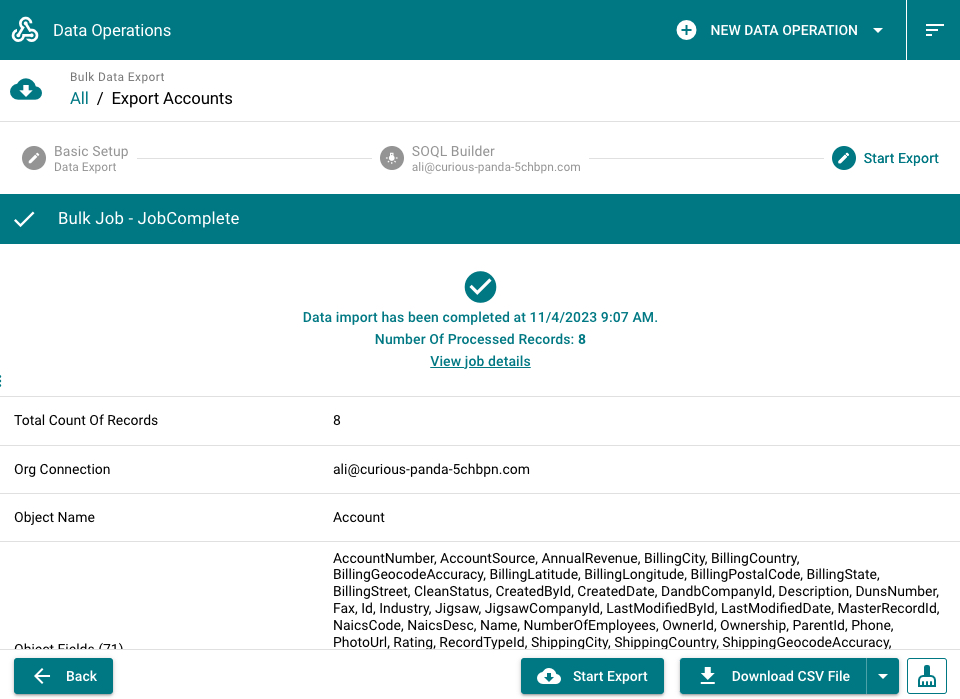
Start the export, view export job result, and download the csv file.
Import records via bulk api 2.0
Compared with dataloader or other tools, Metaforce provides a better experience to start a bulk import job in a super easy way.
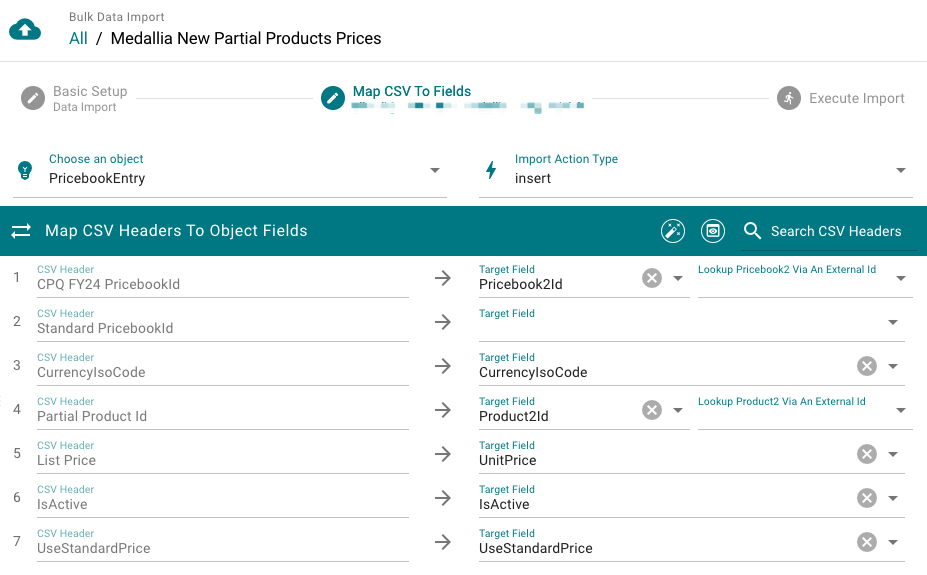
CSV Fields Mapping
- Click
Auto Match Fieldsbutton to auto map csv header with object fields. The 'read-only' field can't be mapped, like formula fields, system fields, etc.External lookup is supported.You can choose an external id field on the lookup object to populate the lookup field automatically.
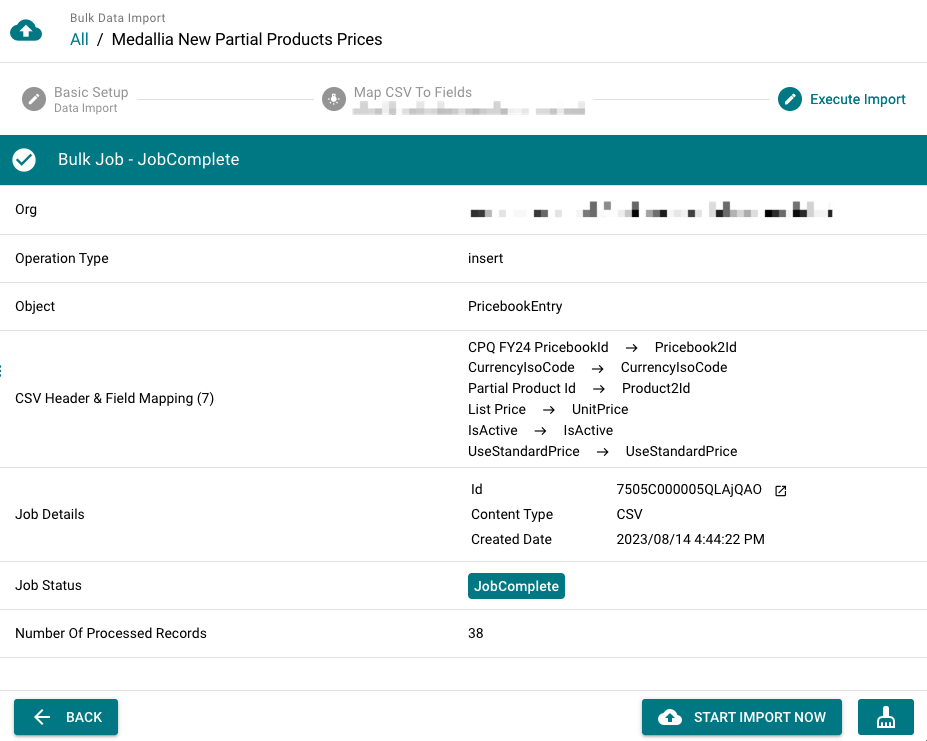
Preview Import Info
Before starting the data import, please review following settings to.
- If you're doing insert or upsert, please always exclude the "Id" field from your mapping.
- Make sure mappings between csv header and object field are accurate.
Data Migration via REST API
Instead of exporting & importing CSV files, the Data Migration helps you to move salesforce records directly from the source org to the target org. For example, you need to migrate records from production/uat org to a dev/partial sandbox.
3 migration action types
Insert- insert records as new in the target org.Update- Update records based on the record id in the target org.Upsert- Upsert records based on selected external Id field on the target object.
Field mappings
After choosing source fields, you need to match them with corresponding target fields on the target object.
Metaforce provides some special mapping abilities:
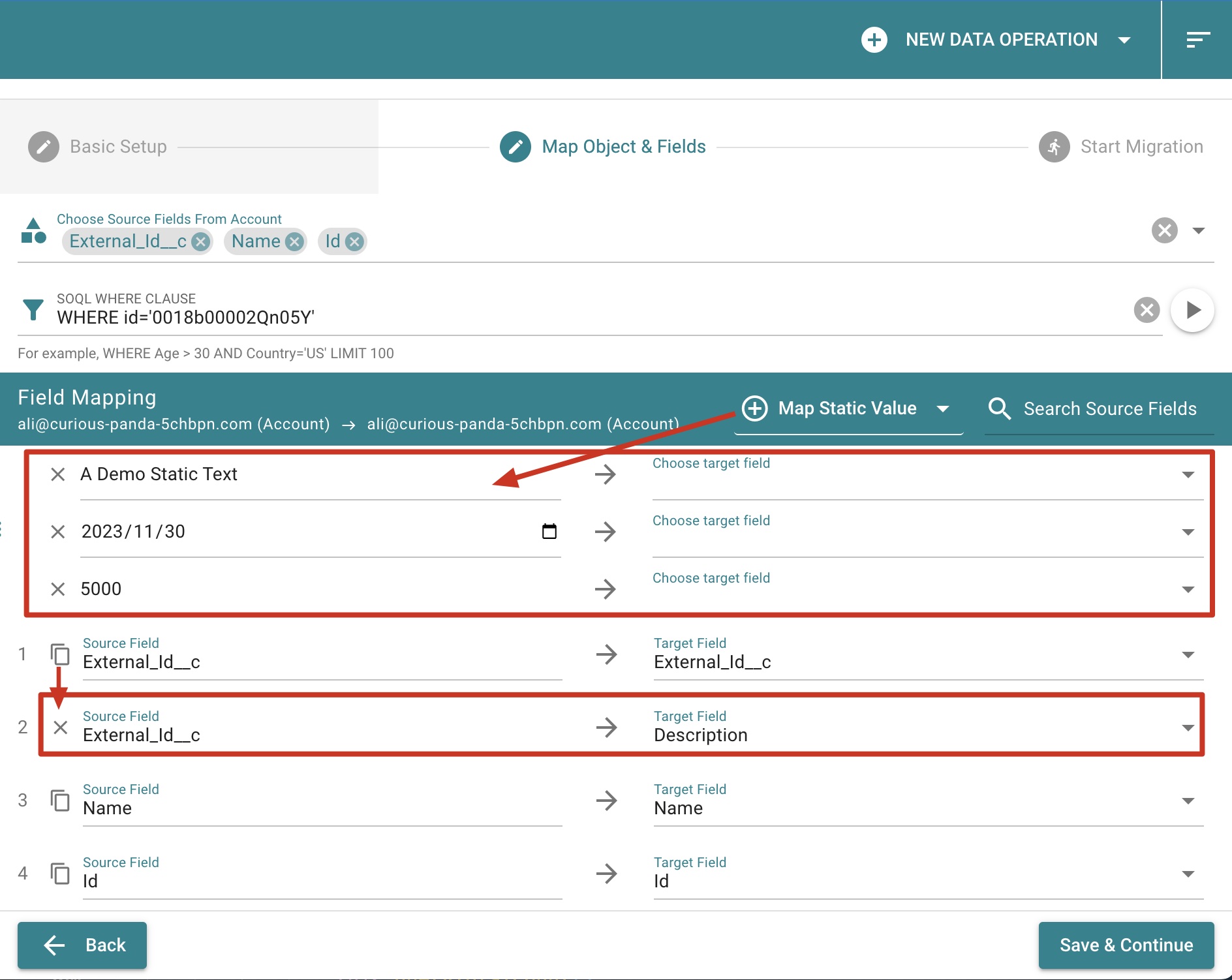
- Map Static Value
You can map a static value to a target field, like a text, date, number. - Duplicate source field
Click the "Copy" icon ahead of source field to map a source field value to multiple target fields.
NOTE
For target field picklist, only creatable/updatable fields will be listed. Please make sure you have "Edit" permission for fields if you can't find them in the picklist.
TIP
Once the migration starts, your records will be processed via salesforce rest api. The salesforce rest api can only process 200 records at maximum per request. If you have 200+ records, it will be separated into multiple requests and processed one by one.