
SOQL Explorer
Metaforce SOQL Explorer is an interactive, multi-tab database worksheet built specifically for Salesforce. Construct complex queries with point-and-click ease, edit records directly in the grid, run batch data transformations via JavaScript, and export data with lightning speed.
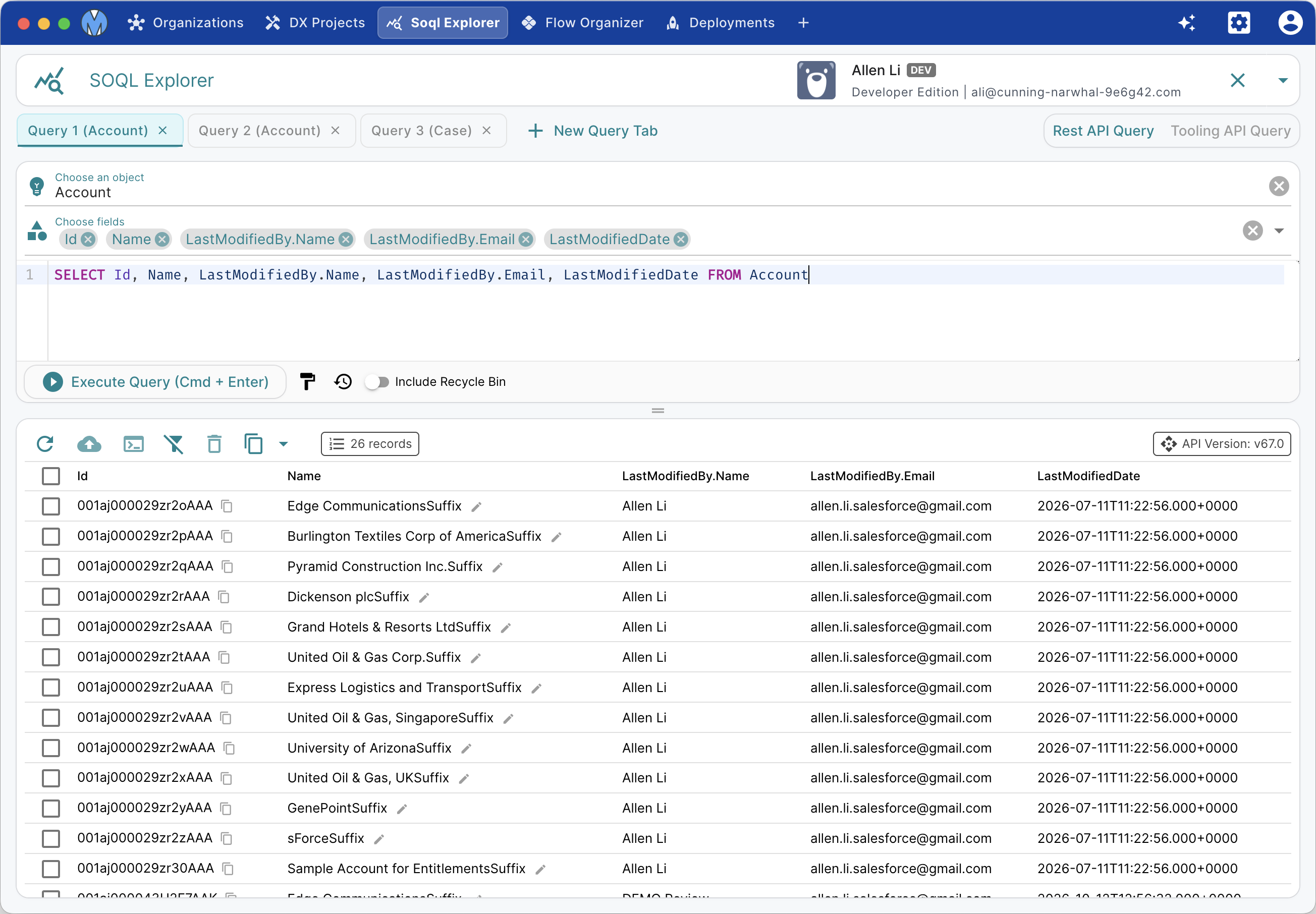
Multi-Tab SOQL Worksheets
Work on multiple queries simultaneously across different objects or environments:
- Independent Query Tabs: Click New Query Tab to open multiple query worksheets with isolated editor states and result tables.
- Tab Reordering & Organization: Freely drag and drop tabs to arrange your workspace.
- Keyboard Execution: Press Cmd/Ctrl + Enter to run the current query instantly.
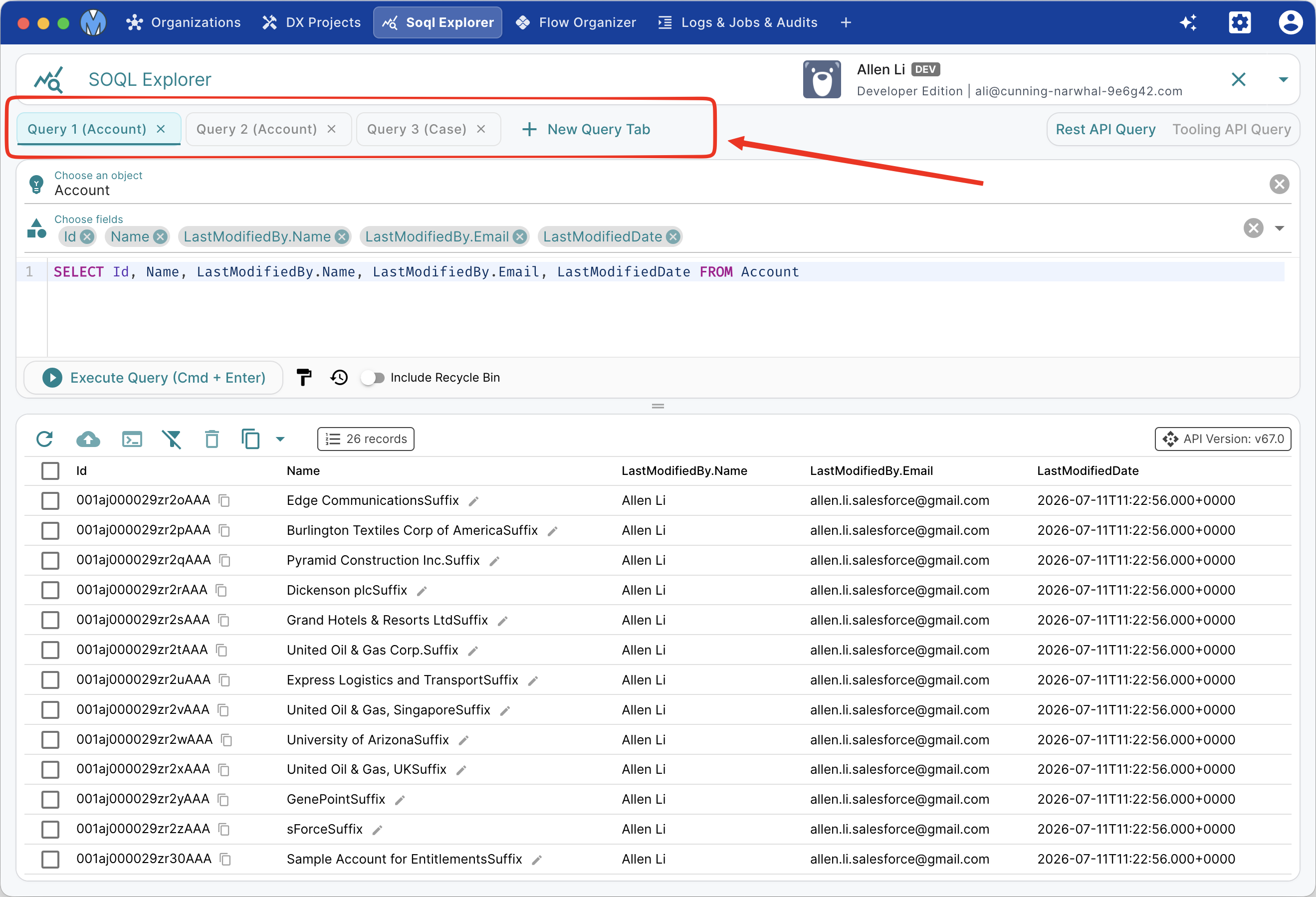
Dynamic SOQL Builder
Build precise SOQL queries without memorizing object schemas or relationship paths:
- Interactive Field Picker: Search standard and custom fields on the base object.
- Cross-Object Relationships: Browse and select fields from parent objects (e.g.
Account.Owner.Name) with automatic relationship path generation. - Child Sub-Queries: Easily construct child subqueries (e.g.,
(SELECT Id, LastName FROM Contacts)) with visual nesting. - Query Formatter: Click the format icon to structure your SOQL with clean indentation and uppercase keywords.
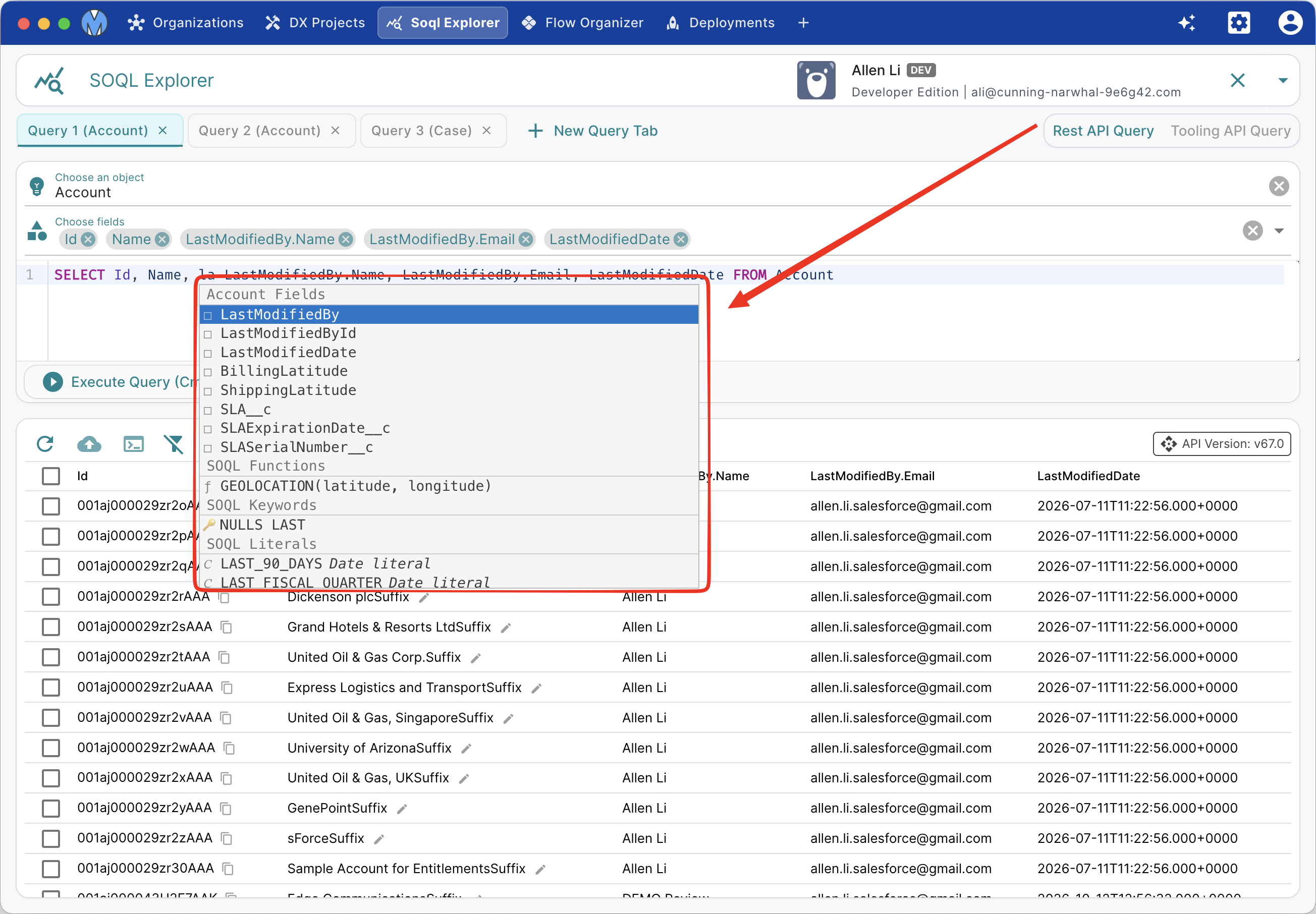
Interactive Results Viewer
Once a query finishes execution, results are displayed in a high-performance data table:
- Cross-Object & Child Data Inspection: Expand parent relationship fields and child subquery tables directly inside the grid rows.
- Inline Cell Editing: Double-click any editable field to update values on the fly and save changes straight back to Salesforce.
- Record Deletion: Select single or multiple rows to execute batch deletes.
- Export Options: Export query results directly to CSV or JSON with full relationship columns intact.
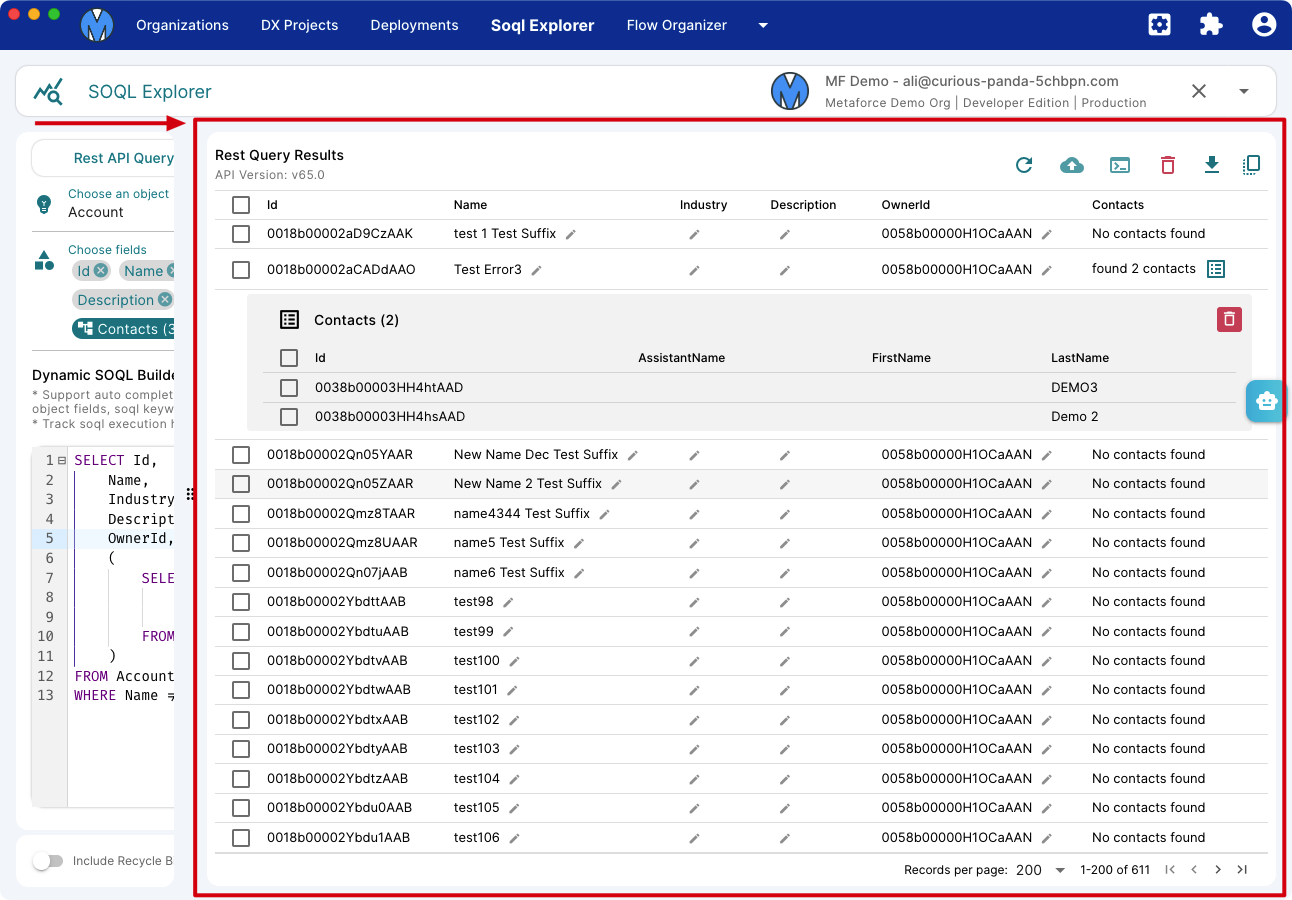
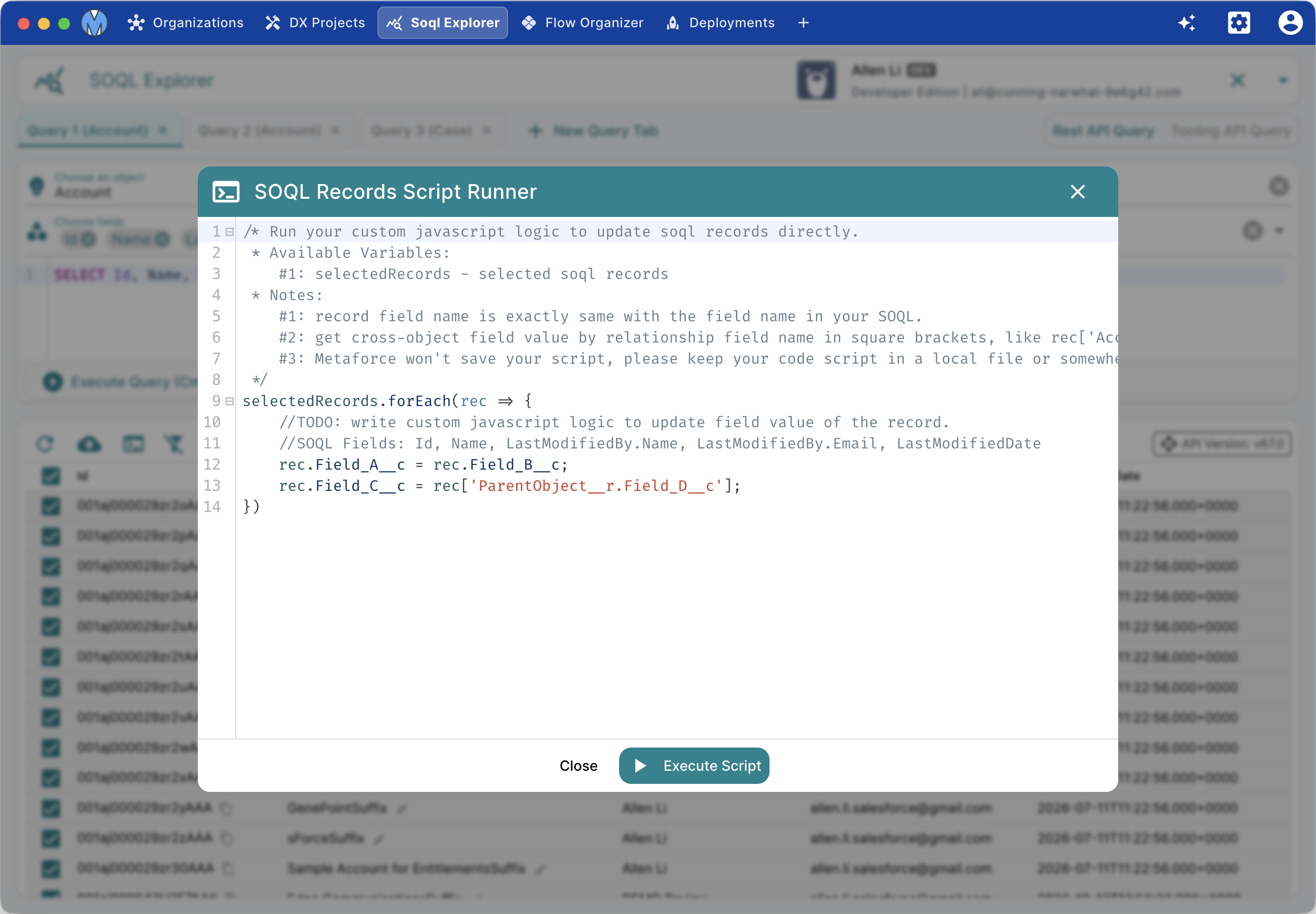
Custom JavaScript Script Runner
Perform complex in-memory batch calculations or field updates using custom JavaScript before committing changes:
/* Run custom JavaScript to transform returned SOQL records
 * Available Context Variables:
 *   selectedRecords: Array of selected record objects
 */
selectedRecords.forEach((record) => {
  // Overwrite Target_Field__c with Source_Field__c
  record.Target_Field__c = record.Source_Field__c;

  // Access cross-object relationship fields
  if (record['Account.AnnualRevenue'] > 1000000) {
    record.Priority__c = 'High';
  }
});
Click Run Script to apply your logic to all selected rows, then click Save to push the transformed records back to Salesforce.
Query History
Never lose a query you ran earlier. Click History to view all past SOQL queries executed against the current organization, complete with timestamp, row count, execution time, and 1-click restore.